Free
$0
Every function of the app, with no ads and no account. After each 10 minutes of use, a short message asks you to support the app.
- The full catalog, export, and composer
- Generate, Connect, and every scenario
- No ads, no account
 Haptics Lab
The most comprehensive iPhone haptics developer tool available, for free, with no ads.
iPhone app · iOS 18 or later
The whole lab, in three steps.
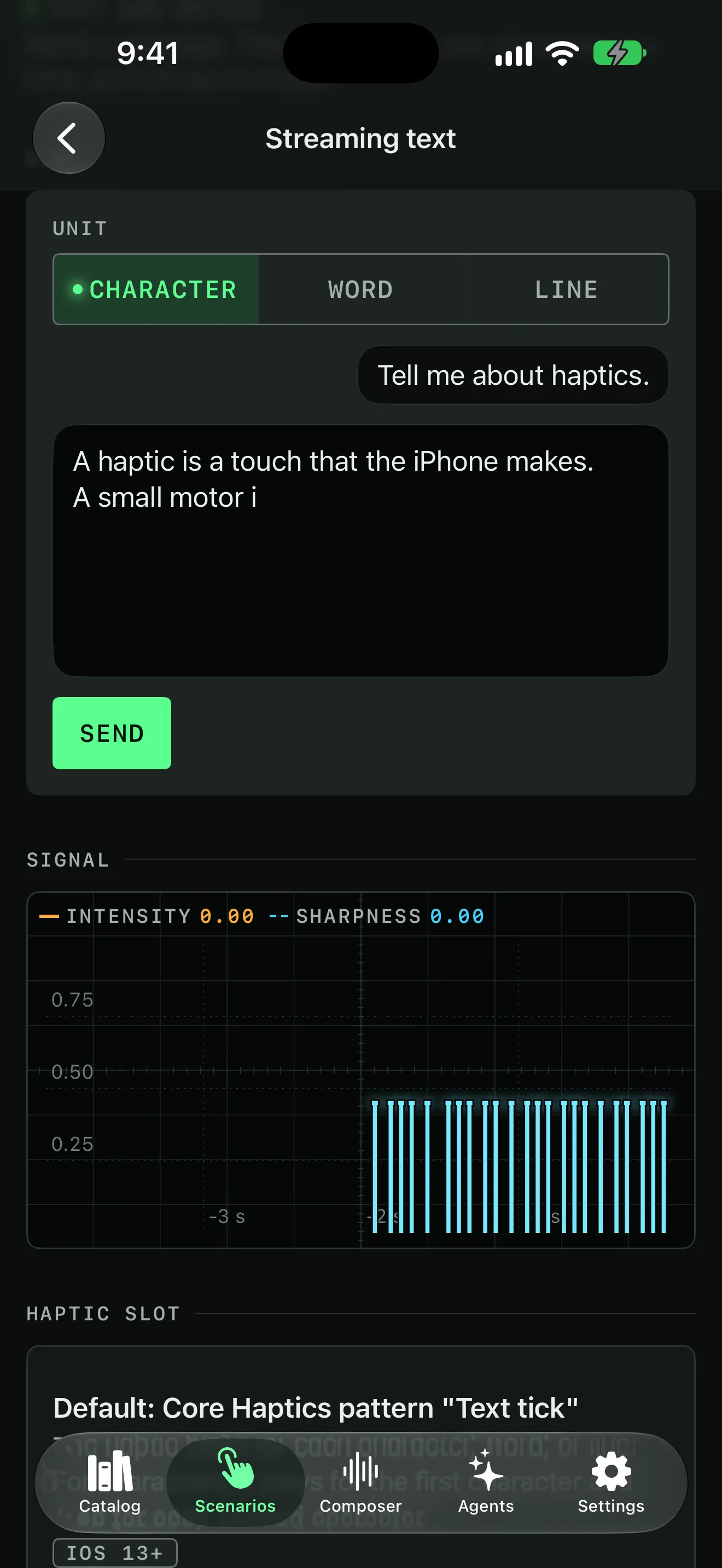
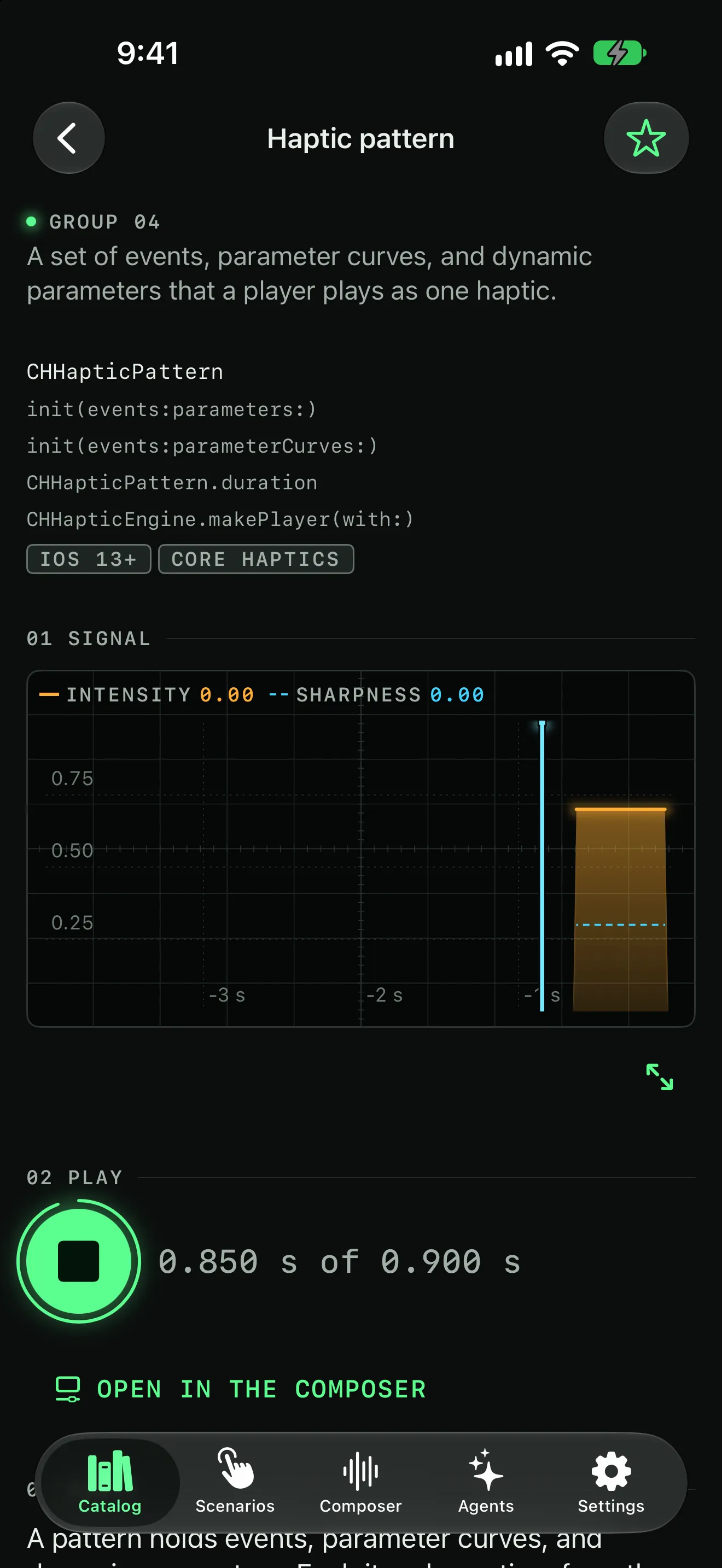
Pick a haptic from the catalog and press Play to feel it. Excerpts from Apples documentation accompany every entry to provide additional context for the code behind the scenes.
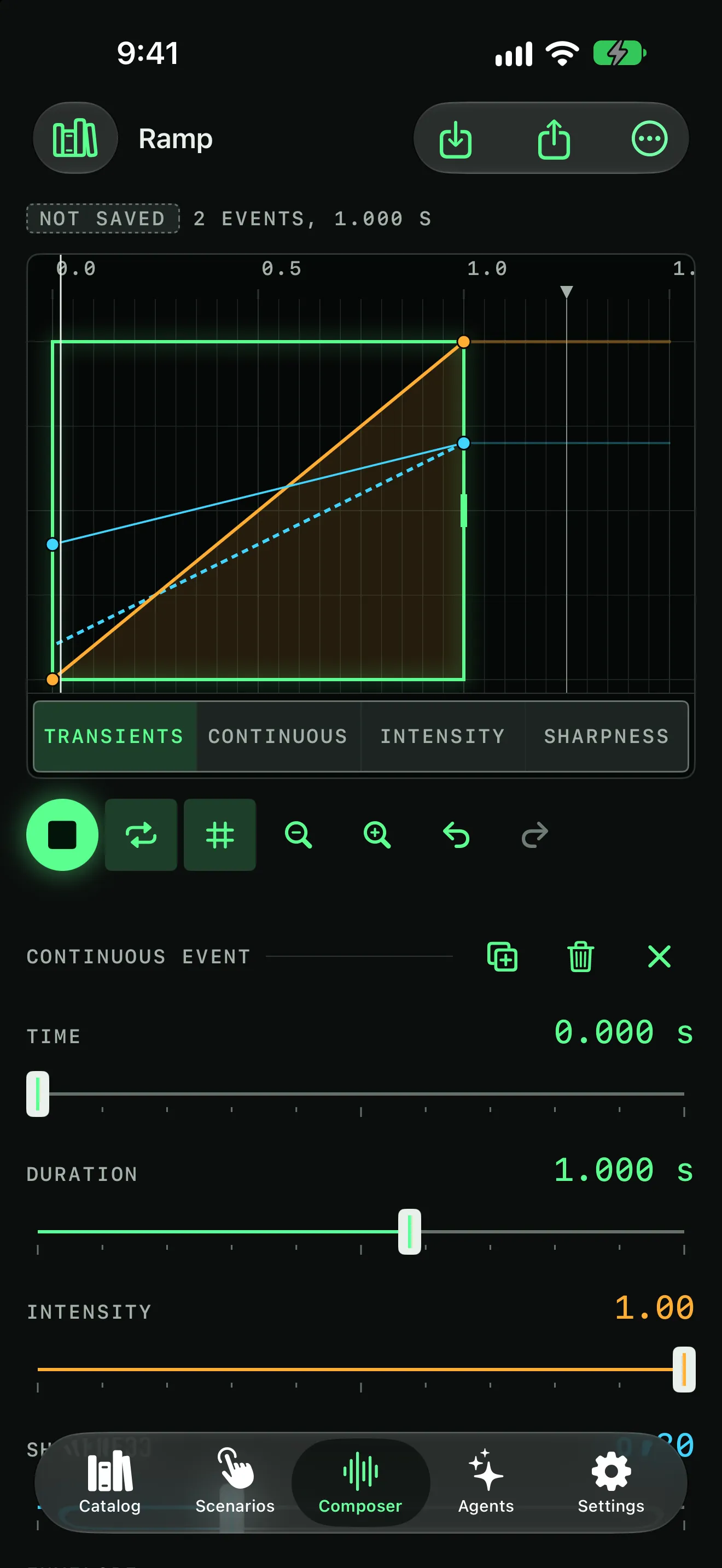
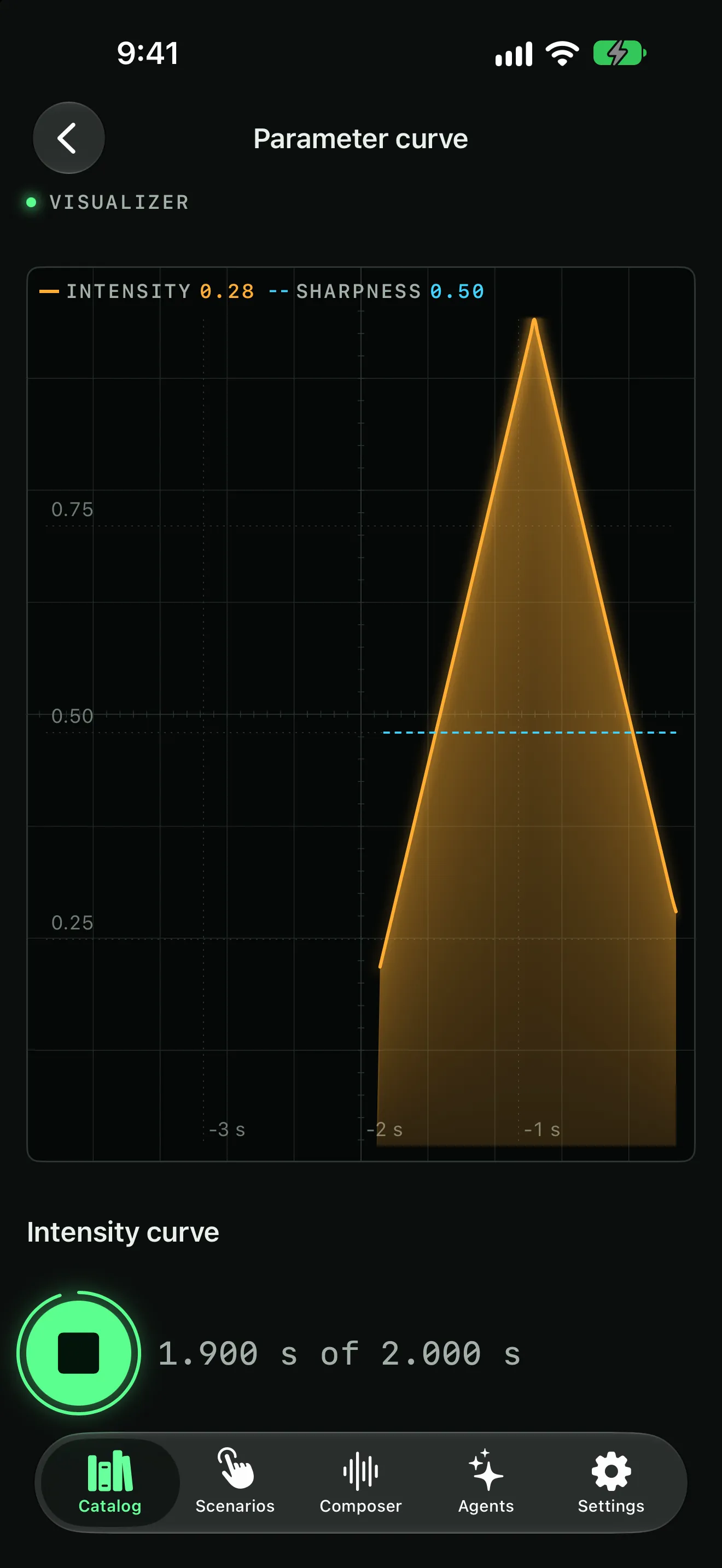
A live trace draws the intensity and sharpness of each event as it plays, so you can visualize each haptic.
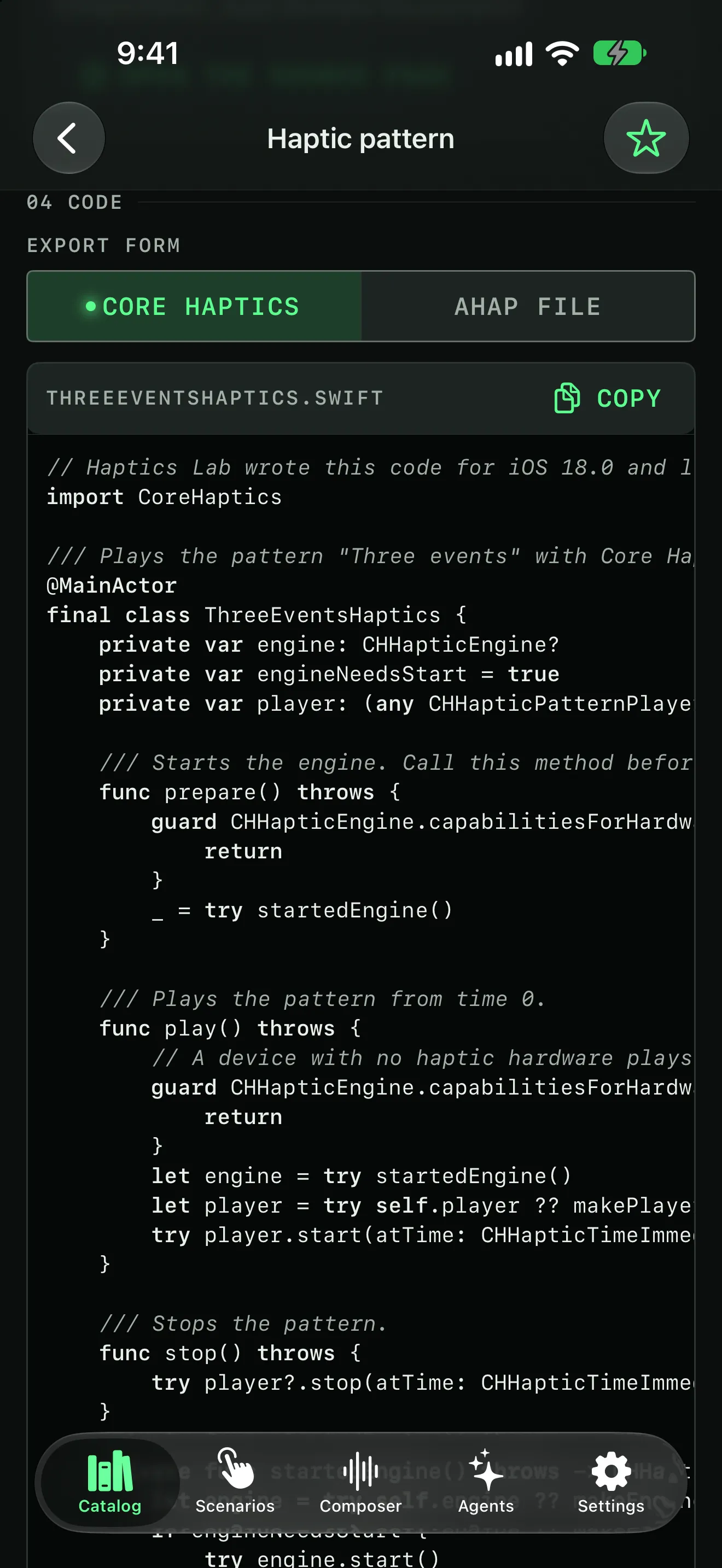
Haptics lab generates code you can copy to integrate into your application. For custom haptics created in the app, you can export in swift, or swift + an AHAP file.
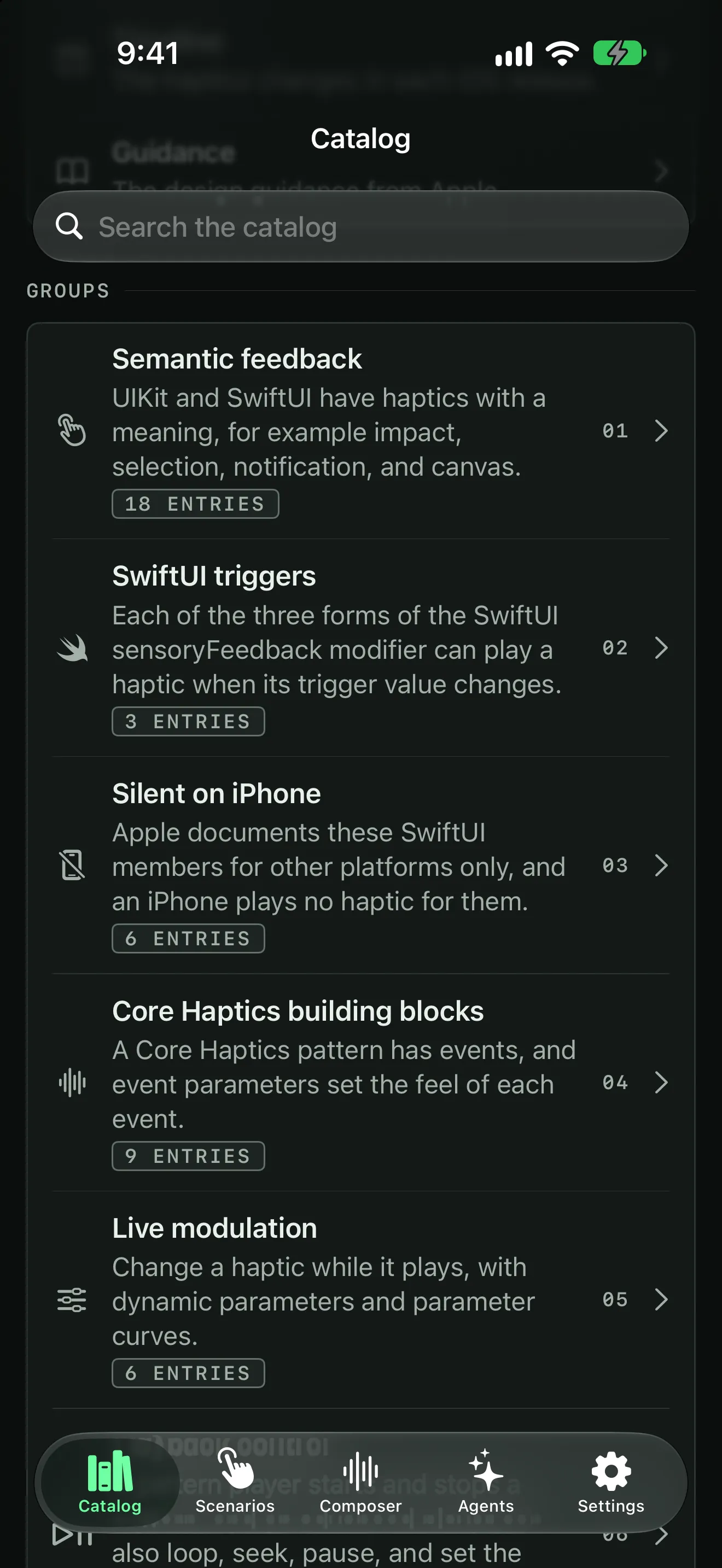
Every haptics API from iOS 18 to iOS 27, in 13 groups, each with a version badge. Each entry explains its API in plain words and links to Apple's documentation. Where an entry plays a haptic, press Play to feel it.
When a haptic does not play, a diagnostics page, a numbered self-test, and a checklist help you find the cause.
Open an AHAP file from Files in the composer, then play it, change it, and export it again.
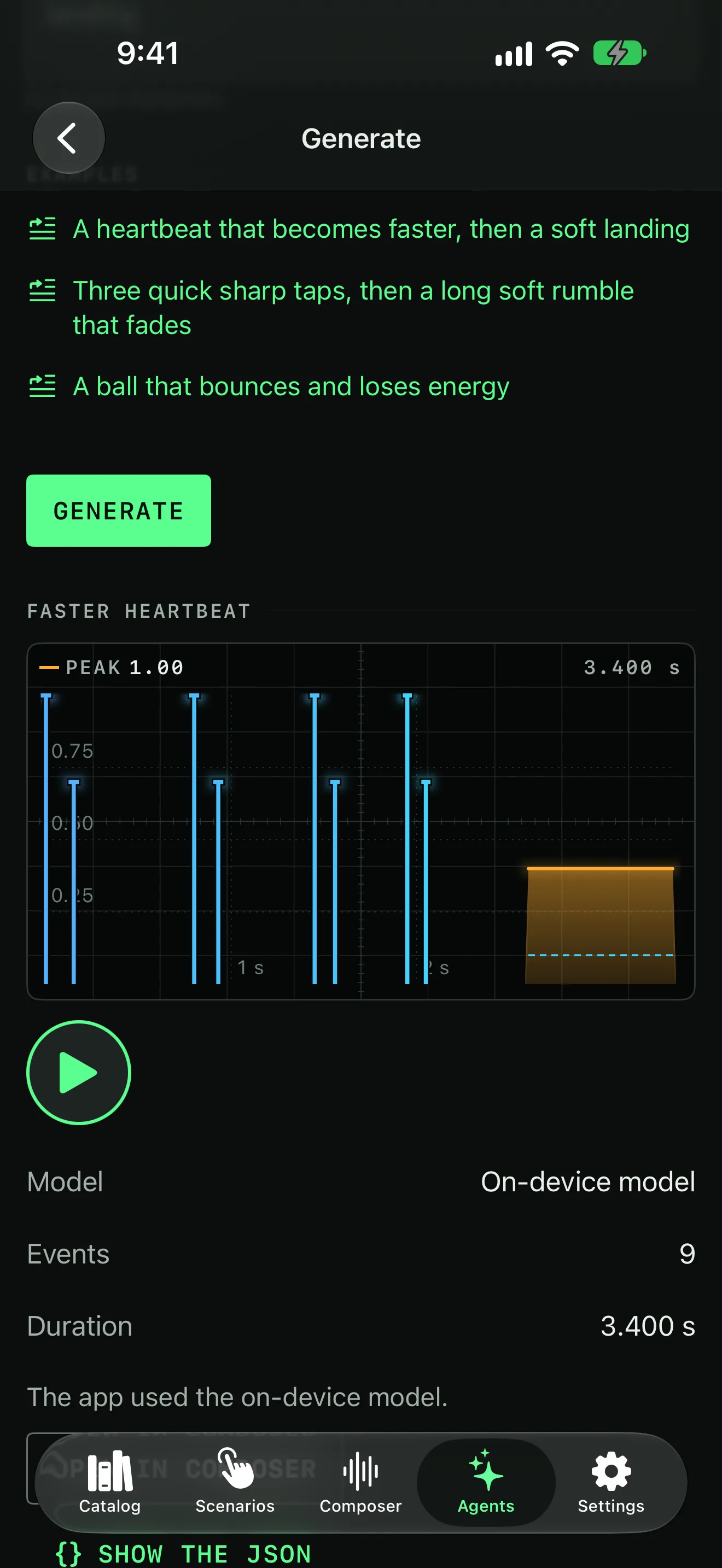
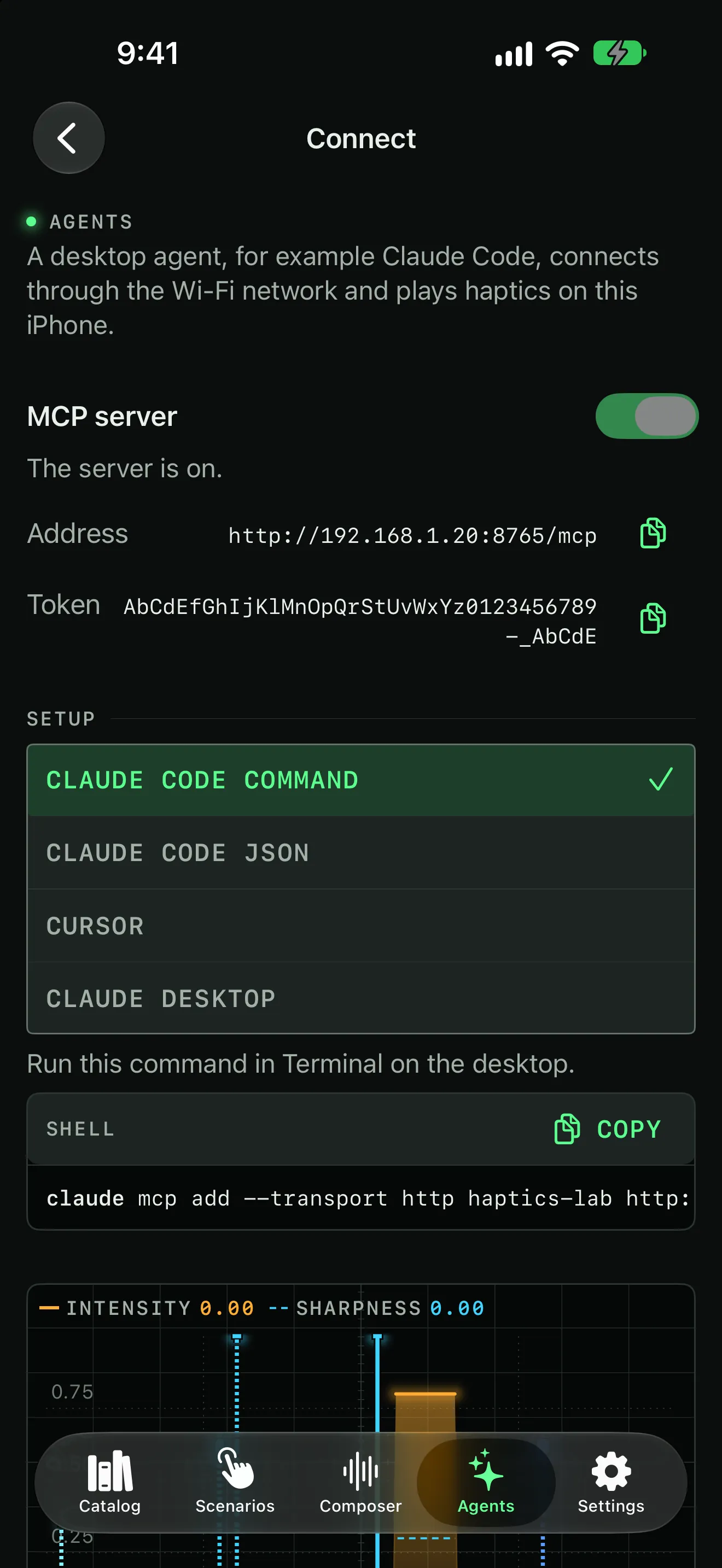
Keep the patterns you draw or generate. Put one in a scenario demo to feel it in context, or let your agent read it over Connect.
A short tutorial shows the composer's controls the first time you open it. The More menu shows it again whenever you want a refresher.
The full privacy policy for Haptics Lab says exactly what the app stores and where it goes.
Every function of Haptics Lab is free. Purchasing pro helps support my development effort.
$0
Every function of the app, with no ads and no account. After each 10 minutes of use, a short message asks you to support the app.
$4.99one time
One in-app purchase that removes the support message. Everything else stays exactly the same.
The price is in US dollars. The App Store shows the price for your country.
Soon. Haptics Lab is in development, and there is no App Store link yet. When there is one, it will appear on this page.
Yes. Every function is free, and the app has no ads. After each 10 minutes of use, a short message asks you to support the app. Haptics Lab Pro, a one-time purchase of $4.99, removes it.
Only if you do not provide your own OpenAI or Anthropic API key. With no key, Generate can use Apple's on-device model or their private cloud compute model, which needs iOS 26 or later and Apple Intelligence.
The exported code is the same code that played in the lab. It targets iOS 18.0 by default, with an availability check for each newer API, and you can change the minimum version in Settings.
Most often a system setting is the cause. Check that System Haptics is on in Sounds & Haptics, and that Vibration is on in Accessibility. The app has a full checklist and a self-test in Settings, and the support page goes through each cause.
No. Haptics Lab is made by Temperanda, a small independent studio. Haptics Lab is not affiliated with Apple Inc. Apple, iPhone, Core Haptics, Swift, SwiftUI, and Keychain are trademarks of Apple Inc., registered in the U.S. and other countries and regions. Apple Intelligence is a trademark of Apple Inc.
Haptics Lab is in development. When it reaches the App Store, the link will appear right here.
Questions go to info@temperanda.com. Read the support page or the privacy policy.